View Message Log
The View Message Log section provides an overview of all message log information within the system.
Toolbar

- Search: Allow to search for the message log and check for the specific payload.
Listing
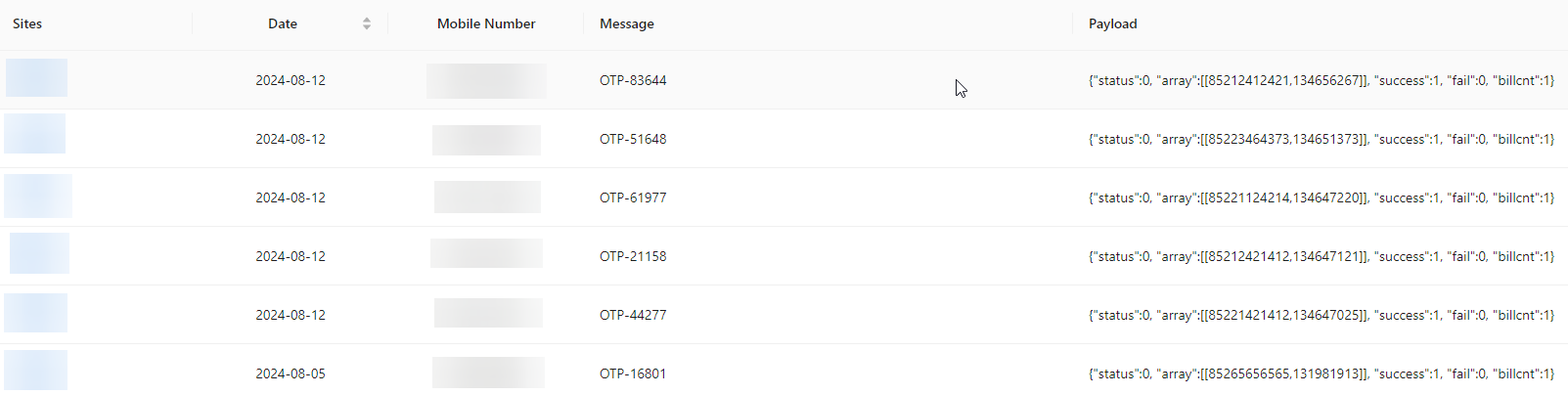
- Sites: Represents the site or system where the message log originated.
- Date: The date on which the log entry was recorded.
- Mobile Number: The phone number associated with the message.
- Message: The content of the message sent, in this case, an OTP (One-Time Password) for authentication.
- Payload: Contains detailed information about the operation's outcome and related data.