Player Detailed Modal
The Player Detailed Modal section enables you to add new players to the system, facilitating the inclusion and management of player profiles.
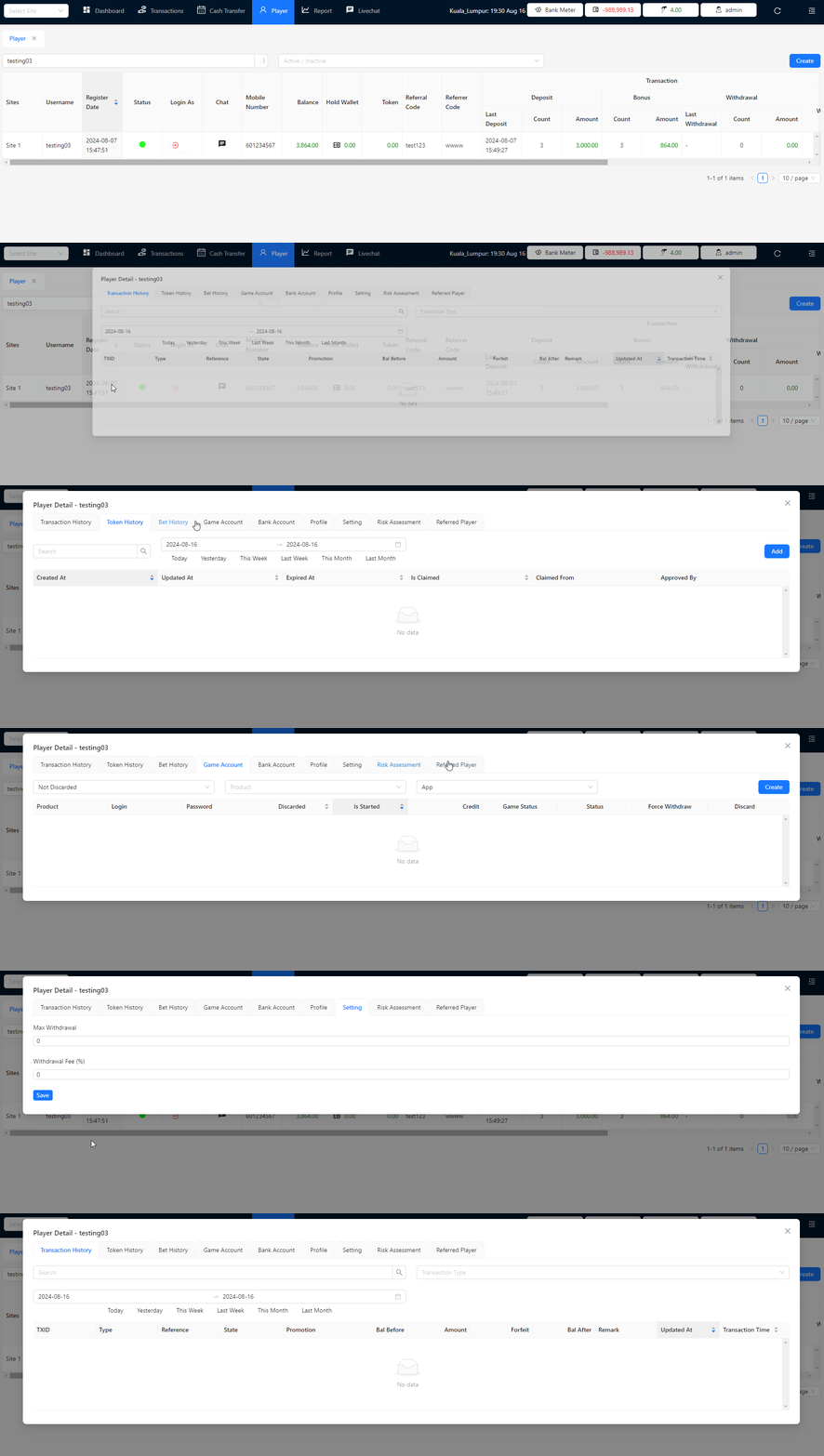
The Player Detail Modal provides an in-depth view of a player's information. By clicking on a player in the table, a modal pops up displaying various details across the following tabs:
Transaction History
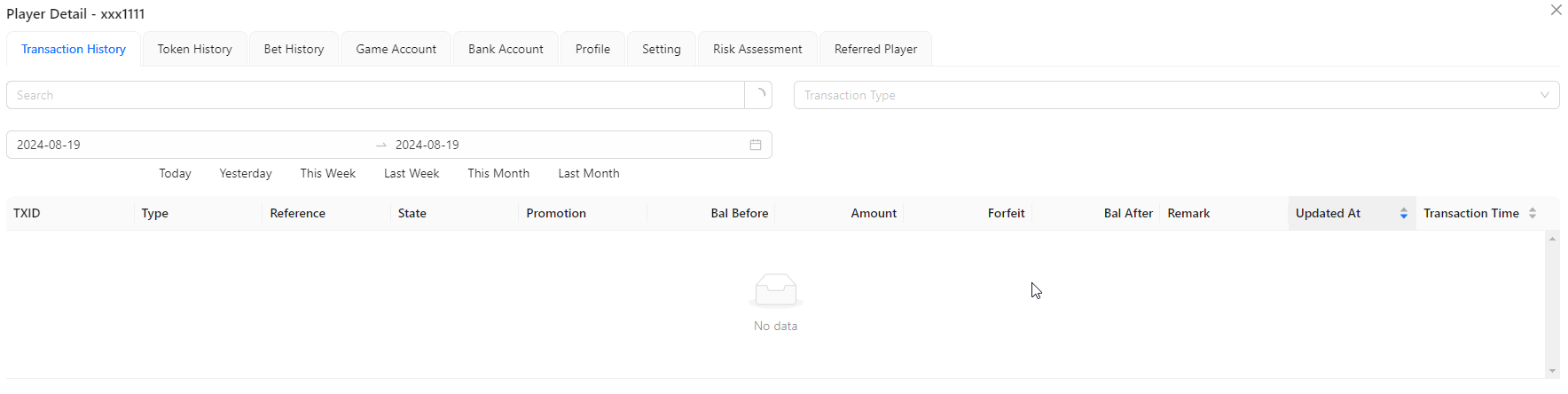
- Transaction History: View the player's past transactions, including deposits, withdrawals, and bonuses.
Token History
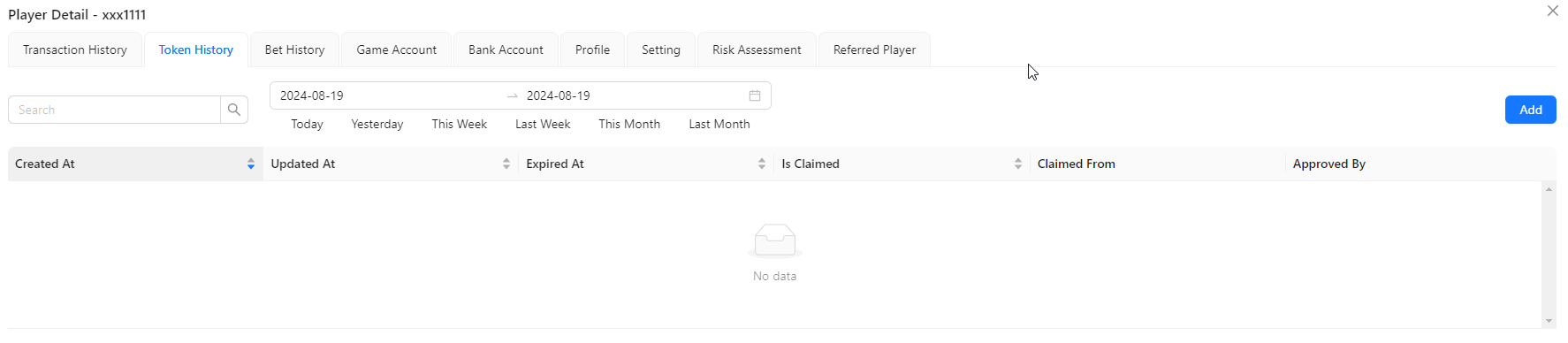
- Token History: Displays the history of tokens associated with the player's account.
Add Token
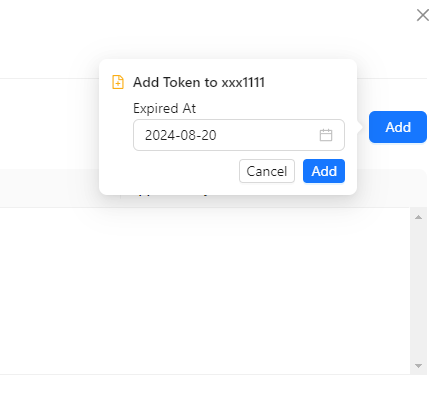
- Add Token: You may add the token to the selected player.
Bet History
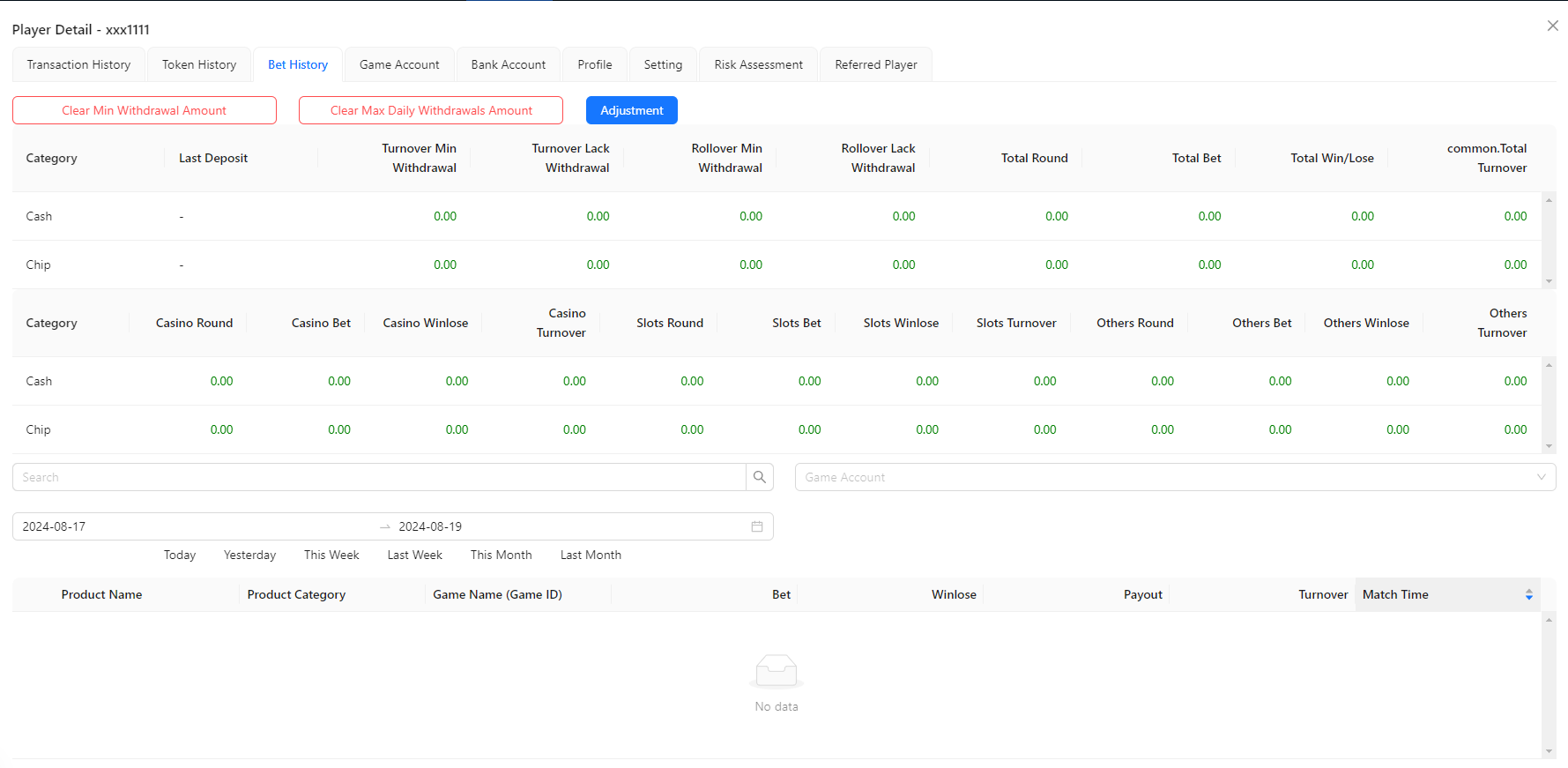
- Bet History: Shows a record of the player's betting activities.
Clear Min Withdrawal Amount
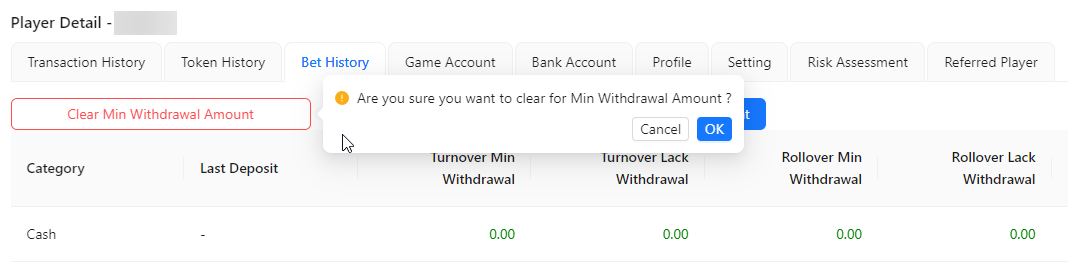
- Clear Min Withdrawal Amount: You may clear the min withdrawal amount for the selected player.
Clear Max Daily Withdrawal Amount

- Clear Max Daily Withdrawal Amount: You may clear the max daily withdrawal amount for the selected player.
Adjustment

- Adjustment: You may set the min withdrawal amount and max daily withdrawal amount for the selected player.
Game Account
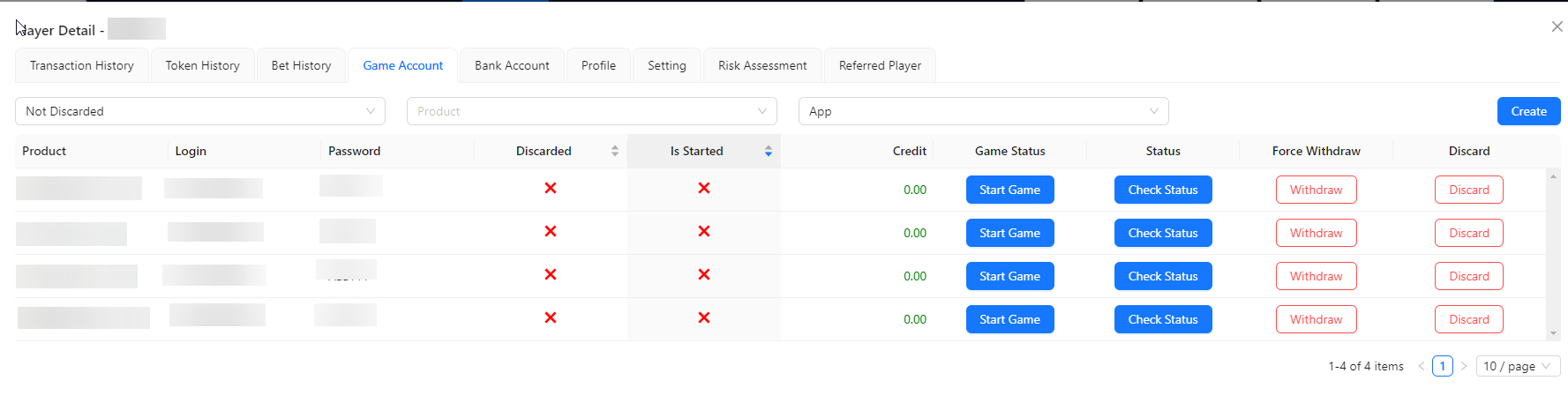
- Game Account: Provides details of the player's game accounts, including linked platforms and account statuses.
Create
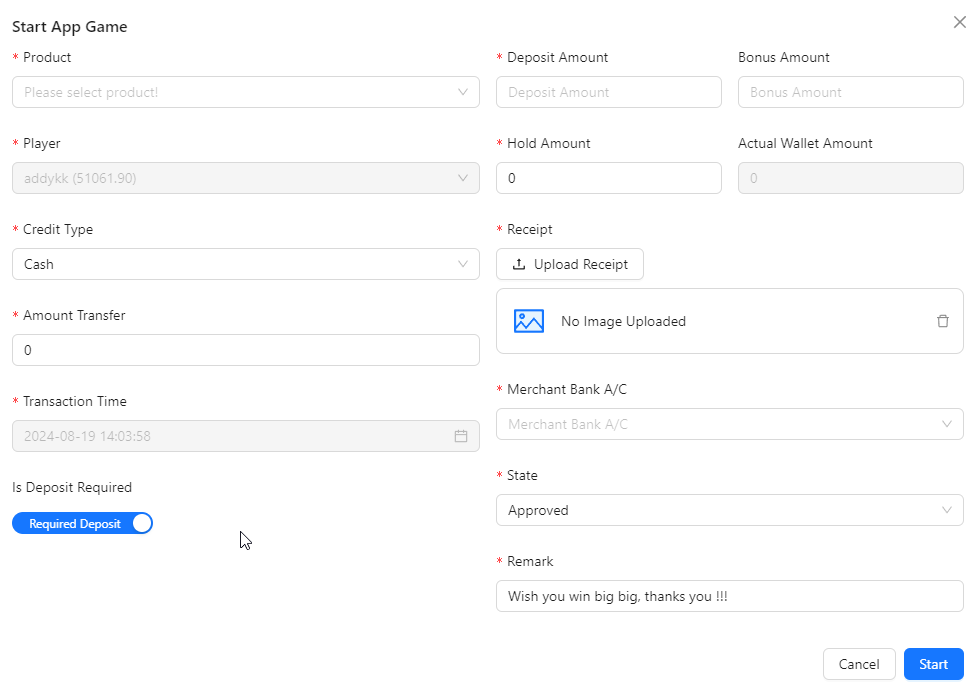
- Create: You may start app game for the selected player with any product. Once created, the product will show in the listing.
Start Game
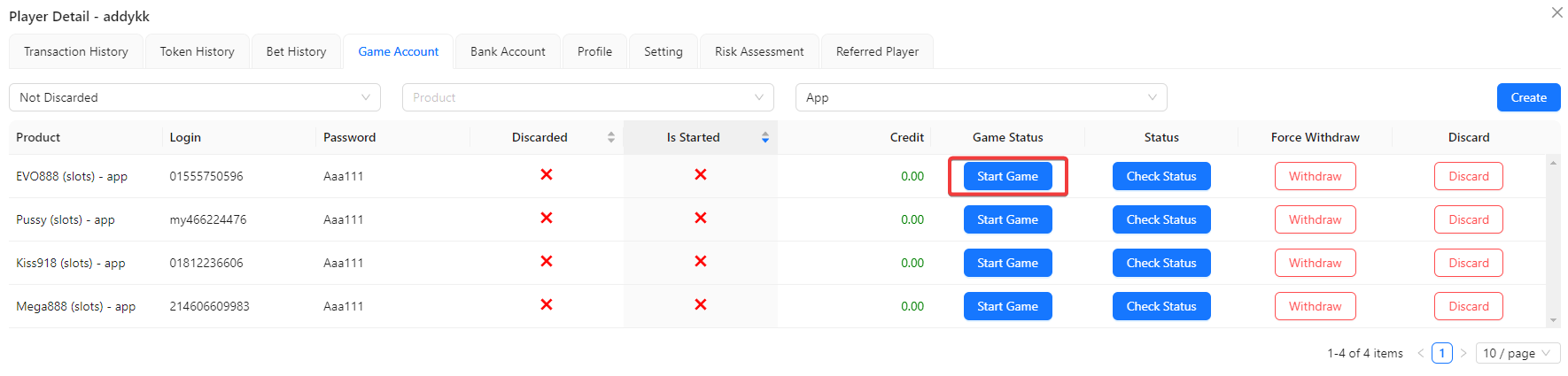
- Start Game: You may start app game for the selected player with selected product.
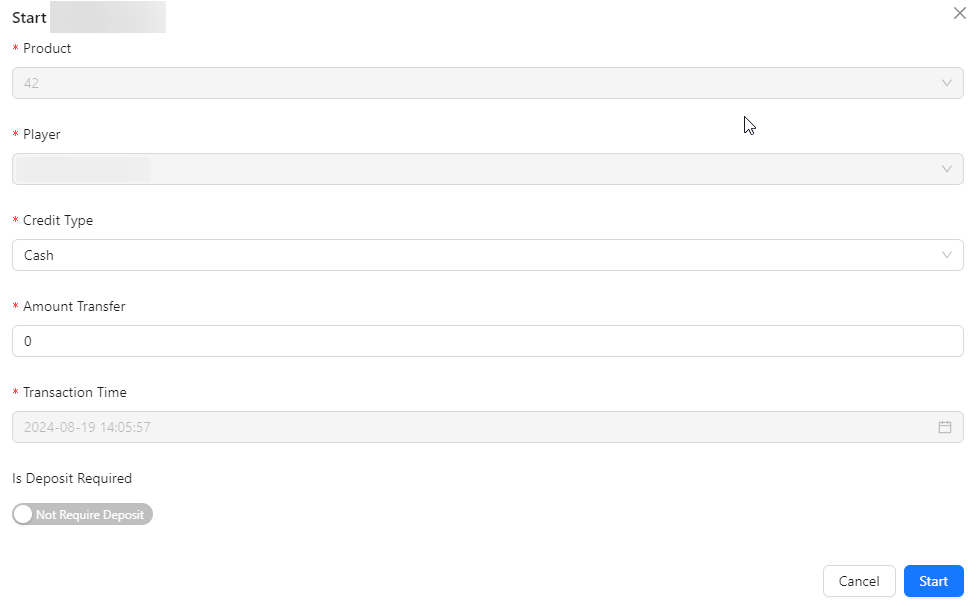
Check Status
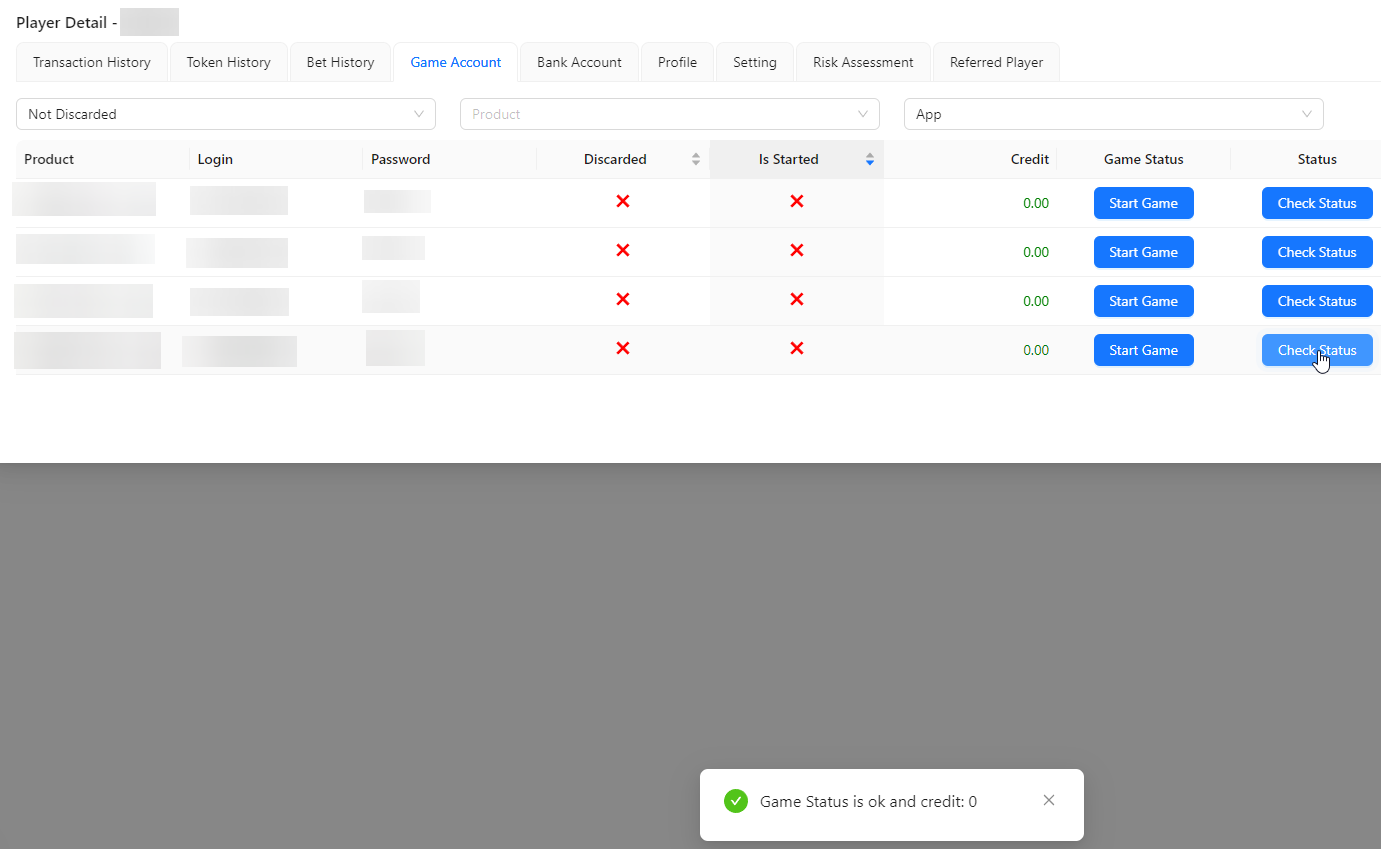
- Check Status: Click the Check Status button to verify whether the game status is good or bad.
Force Withdraw
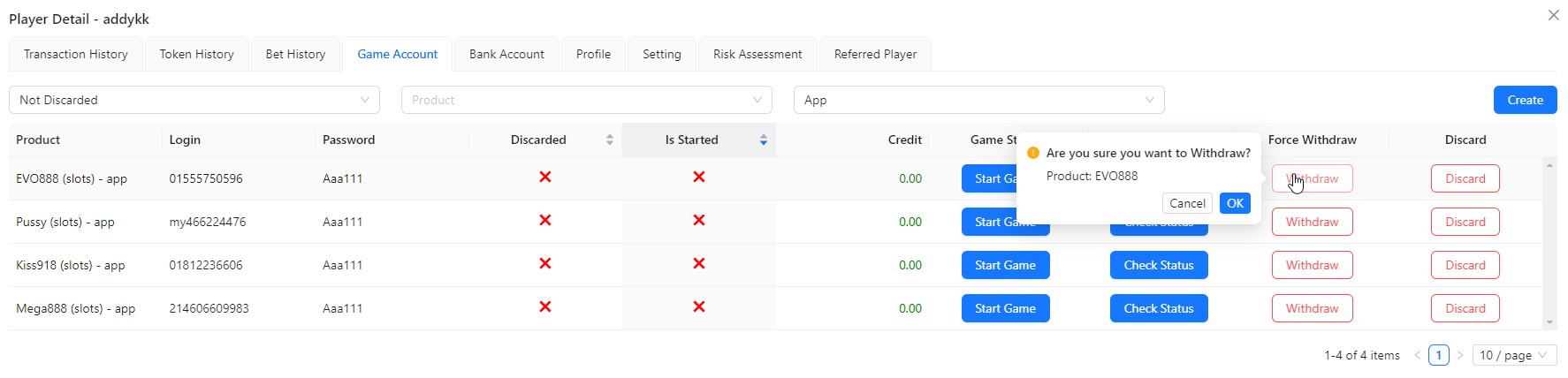
- Force Withdraw: Click the Force Withdraw button to withdraw from the product.
Discard
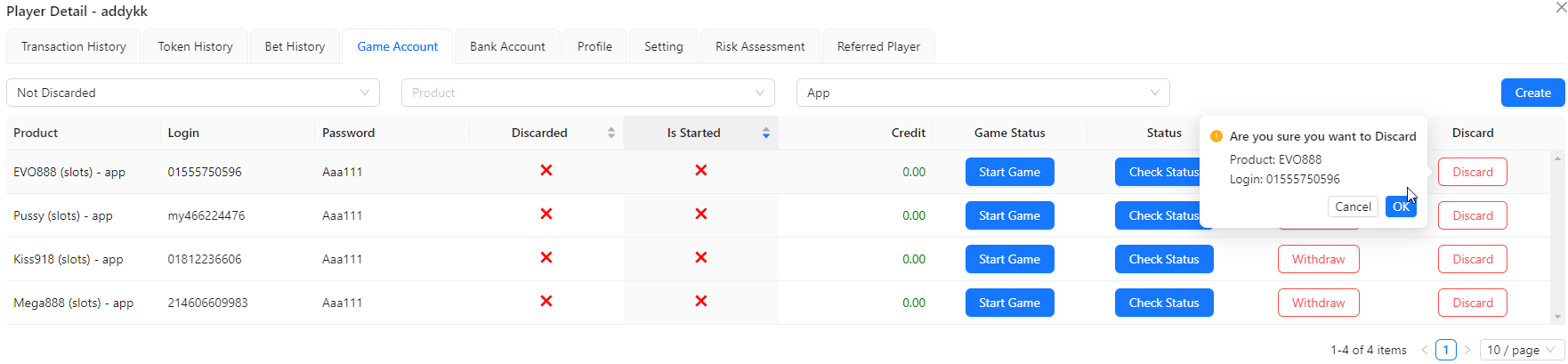
- Discard: Click the Discard button to discard user from the product.
Bank Account

- Bank Account: Displays the player's linked bank account information.
Create / Edit Bank Account

- Create / Edit Bank Account: You may create or edit bank account for the selected player.
Profile
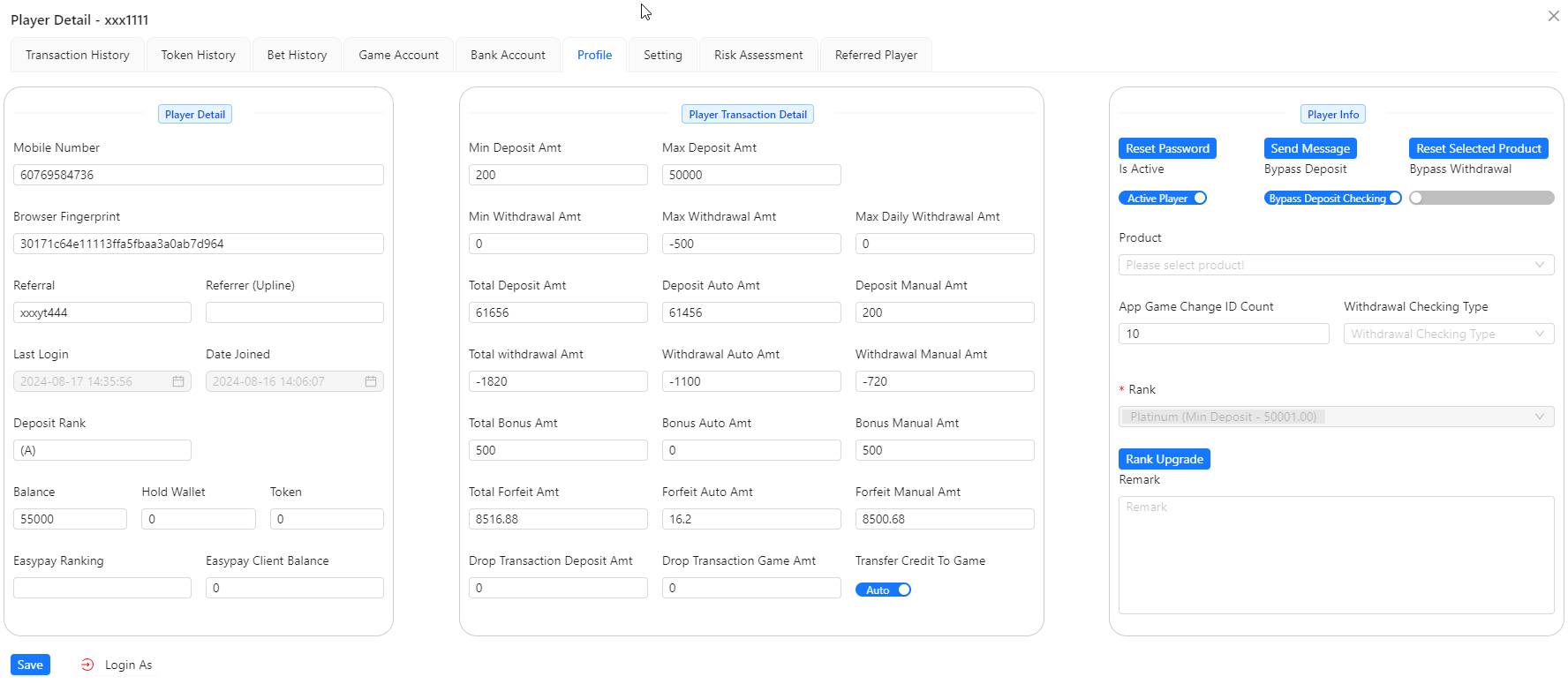
- Profile: Displays the player's personal information, including Browser Fingerprint, contact details, referral, date joined, last login. deposit and wallet balance detail. All the detail is editable except for Date Joined and Last Login.
- Player Detail: Provides an overview of the player's transaction details, such as Min & Max Deposit Amt, Min & Max Withdrawal Amt, Total Deposit Amt, Total withdrawal Amt, Total Bonus Amt, Total Forfeit Amt, Drop Transaction Deposit Amt and so on. All the detail is editable.
- Player Transaction Detail: Shows the history of the player's transactions, including deposits, withdrawals, and bonuses.
- Player Info: Contains general action such as Reset Password, Send Message to player, Reset Selected Product and upgrade the user ranking based on deposit and the other setting such as App Game Change ID Count and Withdrawal Checking Type.
Setting
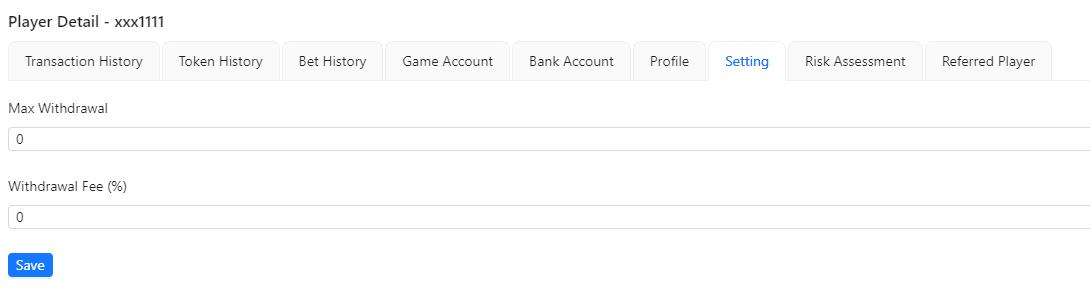
- Setting: Allows adjustments to the player's account settings such as Max Withdrawal & Withdrawal Fee (%).
Risk Assessment

- Risk Assessment: Offers an analysis of potential risks associated with the player, based on their activities.
Referred Player

- Referred Player: Lists players referred by the selected player, showing referral details and statuses.