Lobby
The Lobby section allows you to manage and configure the design and functionality of the lobby page.
Lobby Config
The Lobby Config section allows you to customize the appearance of the lobby in the landscape view of your application.
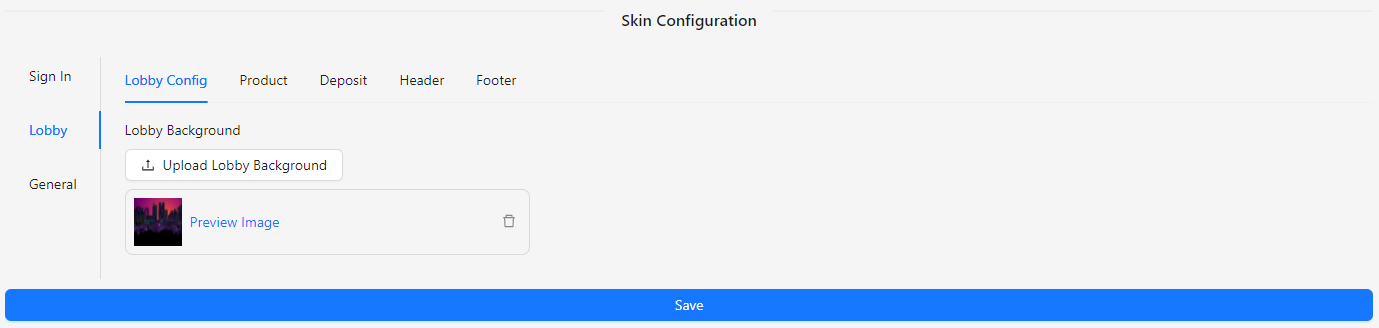
- Lobby Background: Upload an image to set as the background for the lobby.
Product
The Product section allows you to customize the product category tabs.
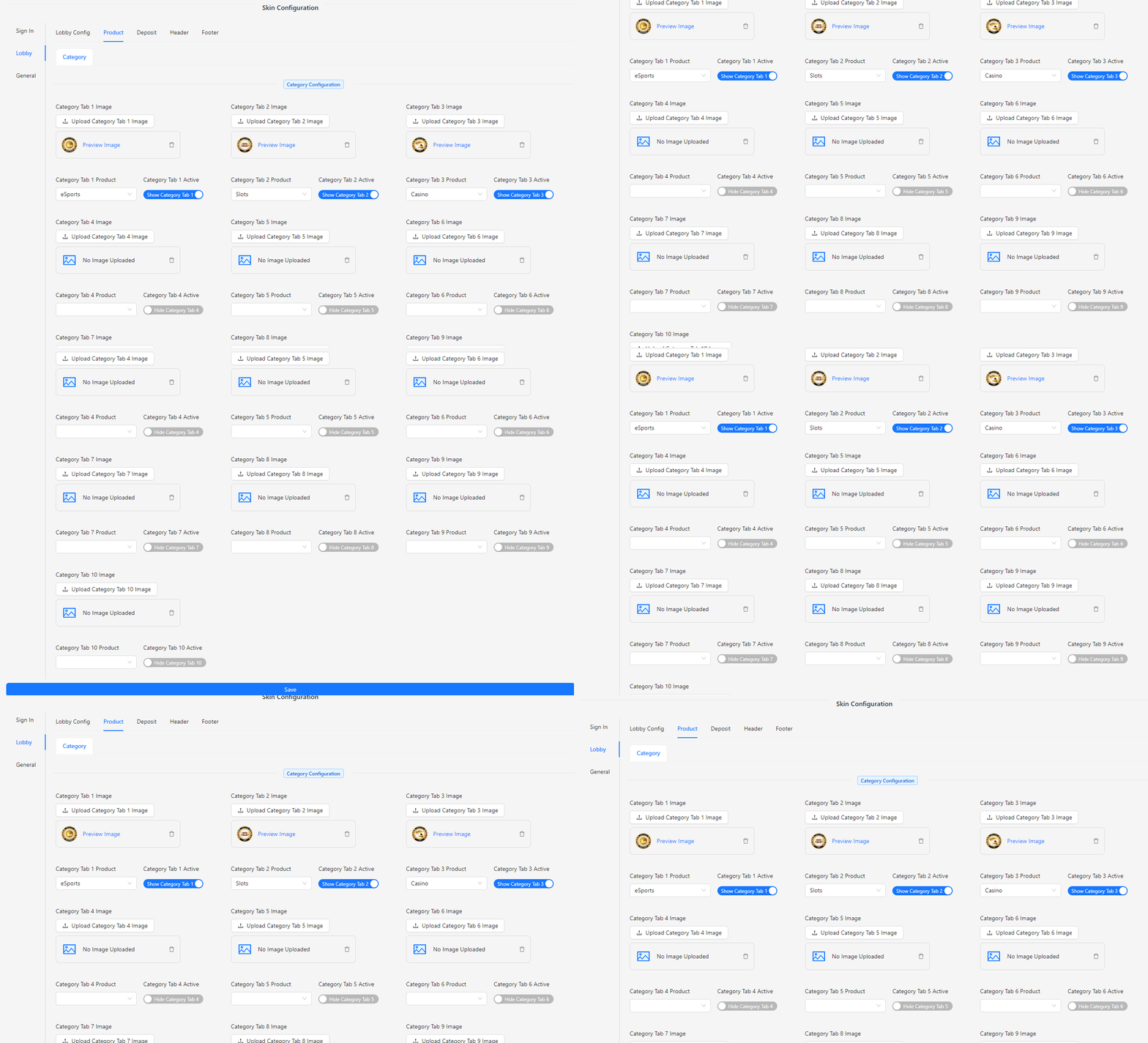
- Category Tab 1 Image: Upload an image for Category Tab 1.
- Category Tab 1 Product: Select an available product for Category Tab 1.
- Category Tab 1 Active: Toggle to show or hide Category Tab 1.
Note: You can set up to 10 tabs, each with the same fields as Category Tab 1.
Deposit
The Deposit section allows you to configure the deposit options and related visual elements.
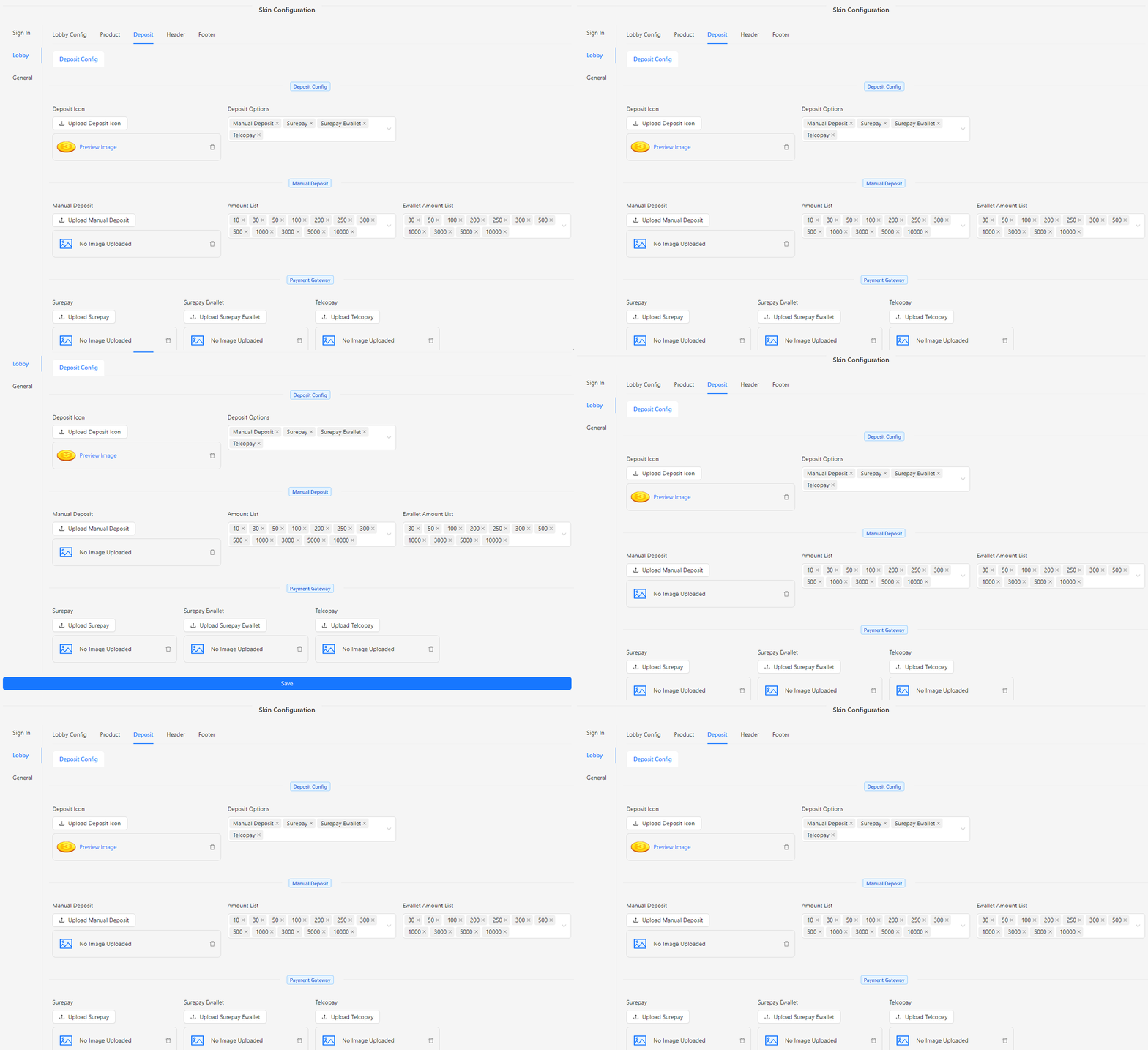
- Deposit Icon: Upload an image for the deposit icon.
- Deposit Options: Select from the available deposit options.
- Manual Deposit: Upload an image for the manual deposit option.
- Amount List: Select or add a new amount list.
- Ewallet Amount List: Select or add a new e-wallet amount list.
- Surepay: Upload an image for the Surepay option.
- Surepay Ewallet: Upload an image for the Surepay e-wallet option.
- Telcopay: Upload an image for the Telcopay option.
Header
The Header section allows you to configure the design and functionality of the lobby header and related visual elements.
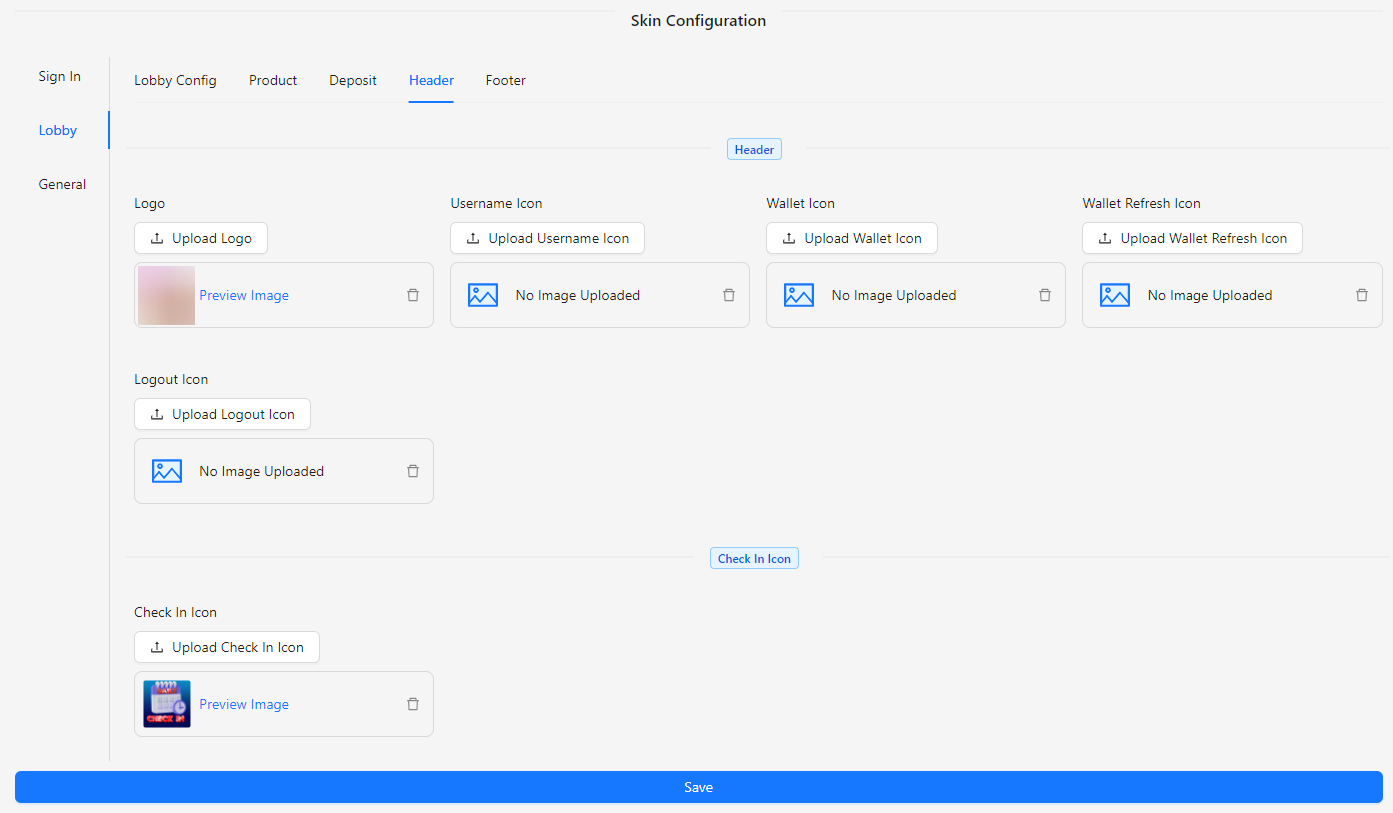
- Logo: Upload an image for the header logo.
- Username Icon: Upload an image for the username icon.
- Wallet Icon: Upload an image for the wallet icon.
- Wallet Refresh Icon: Upload an image for the wallet refresh icon.
- Logout Icon: Upload an image for the logout icon.
- Check In Icon: Upload an image for the check-in icon.
Footer
The Footer section allows you to configure the design and functionality of the lobby footer and its visual elements.
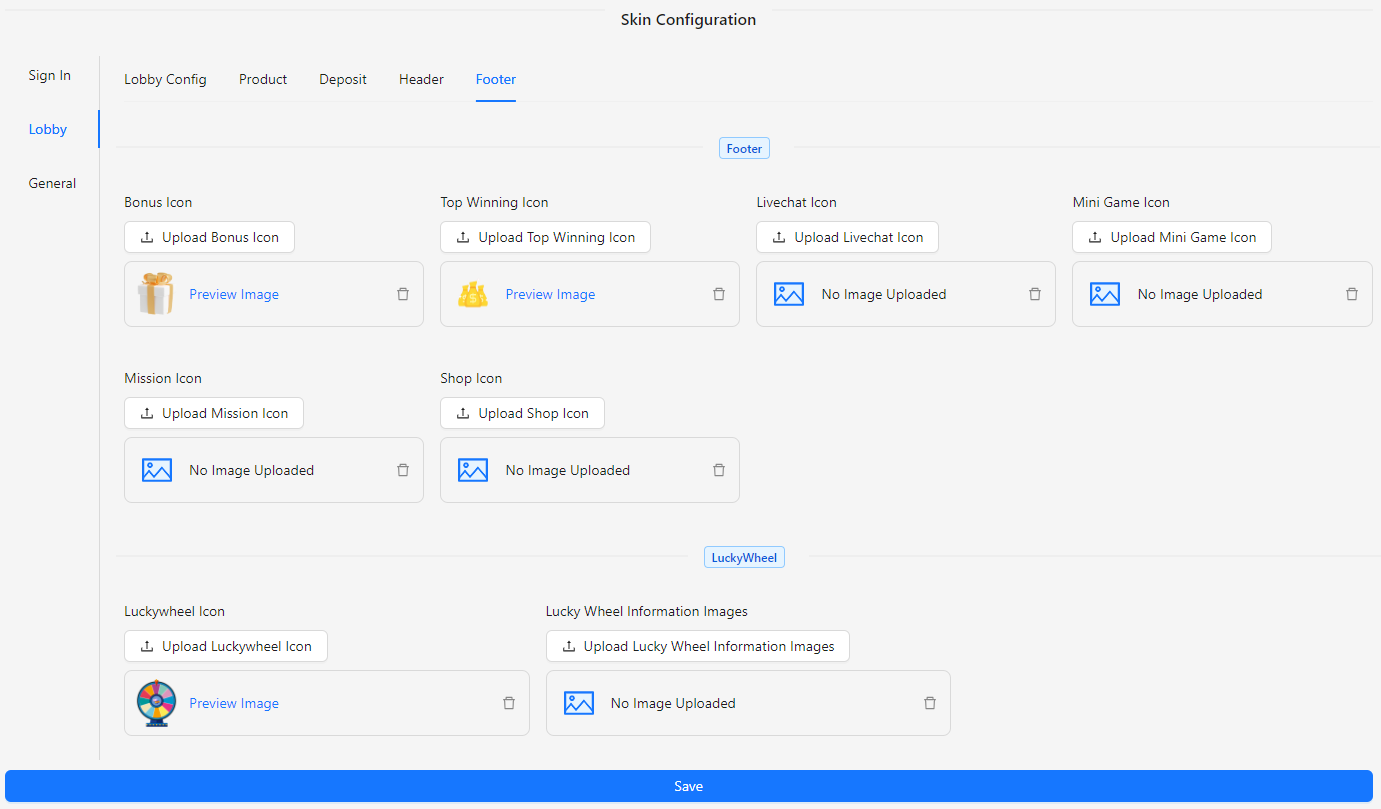
- Bonus Icon: Upload an image for the bonus icon.
- Top Winning Icon: Upload an image for the top winning icon.
- Livechat Icon: Upload an image for the live chat icon.
- Mini Game Icon: Upload an image for the mini game icon.
- Mission Icon: Upload an image for the mission icon.
- Shop Icon: Upload an image for the shop icon.
- Lucky Wheel Icon: Upload an image for the lucky wheel icon.
- Lucky Wheel Information Images: Upload images to display information about the lucky wheel.