View Unclaim
The View Unclaim section provides an overview of all unclaimed deposits within the system. This section allows you to efficiently track and manage deposits that have not yet been associated with a specific player, pending verification and claim by the player.
Toolbar

- Search: Quickly locate specific unclaimed deposits by searching relevant information.
- Unclaim: Toggle between unclaimed and claimed listings.
- Create: Initiate a new unclaim entry. 🔗
Unclaim Listing
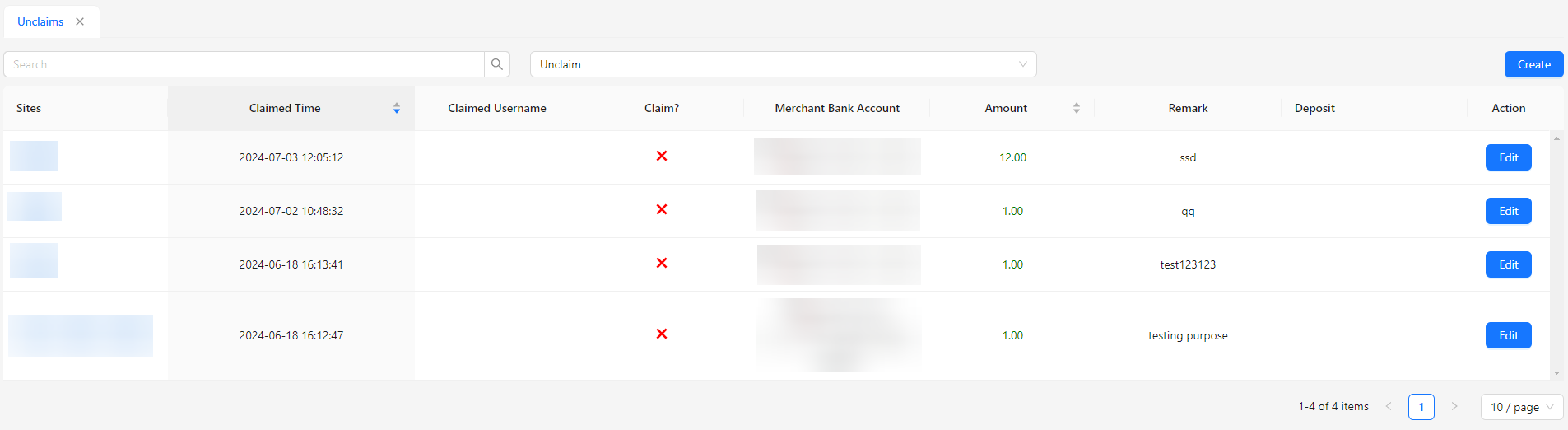
- Sites: The site associated with the unclaimed deposit.
- Claimed Time: Timestamp when the deposit was claimed.
- Claimed Username: Username of the player who claimed the deposit.
- Claim?: Status indicating whether the deposit has been claimed.
- Merchant Bank Account: The bank account where the deposit was made.
- Amount: The amount of the unclaimed deposit.
- Remark: Any additional notes or remarks related to the deposit.
- Deposit: The specific deposit transaction type associated with the unclaimed funds.
- Action: Allows you to update the claimed user details.
Claimed Listing
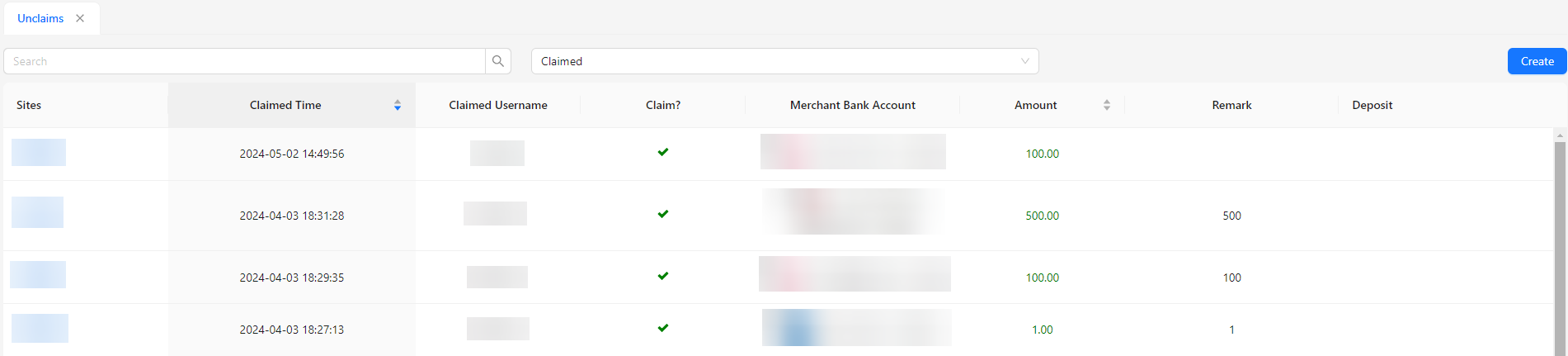
- Claimed Listing is identical to Unclaim Listing, but without the Action field.