General
The General section allows you to configure various general settings for your site. This section provides options to customize elements that affect the overall appearance and functionality of your site.
Region
The Region section allows you to manage region-specific settings for your site. This includes configuring country and language options to ensure the site caters to your audience effectively.
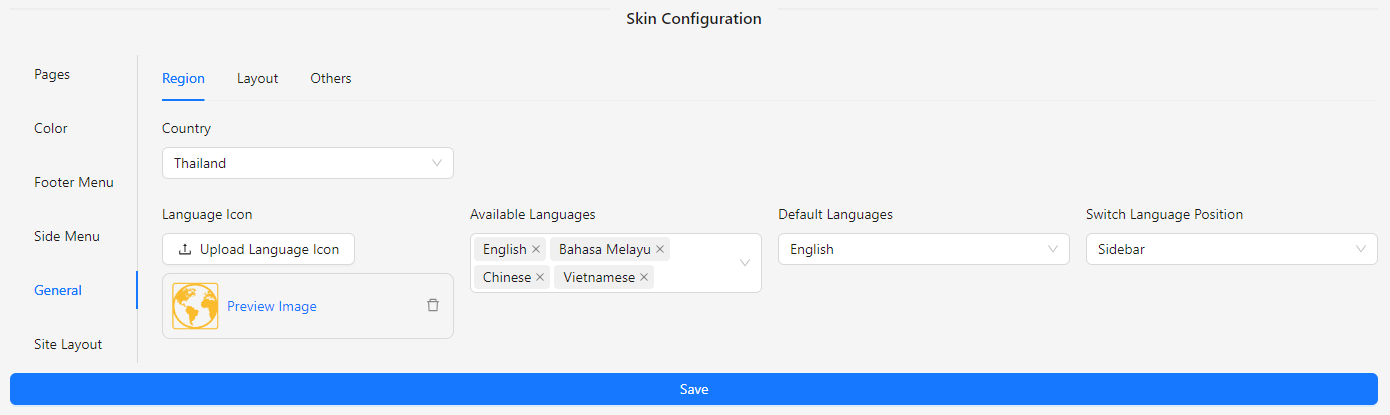
- Country: Select the country for which the settings apply.
- Language Icon: Upload an image to represent the language selection.
- Available Languages: Choose from the list of available languages for your site.
- Default Language: Set the default language for the site.
- Switch Language Position: Select the position for the language switcher.
- Sidebar
- Header
Layout
The Layout section allows you to configure the background and color settings for various parts of your site, ensuring a cohesive and visually appealing design.
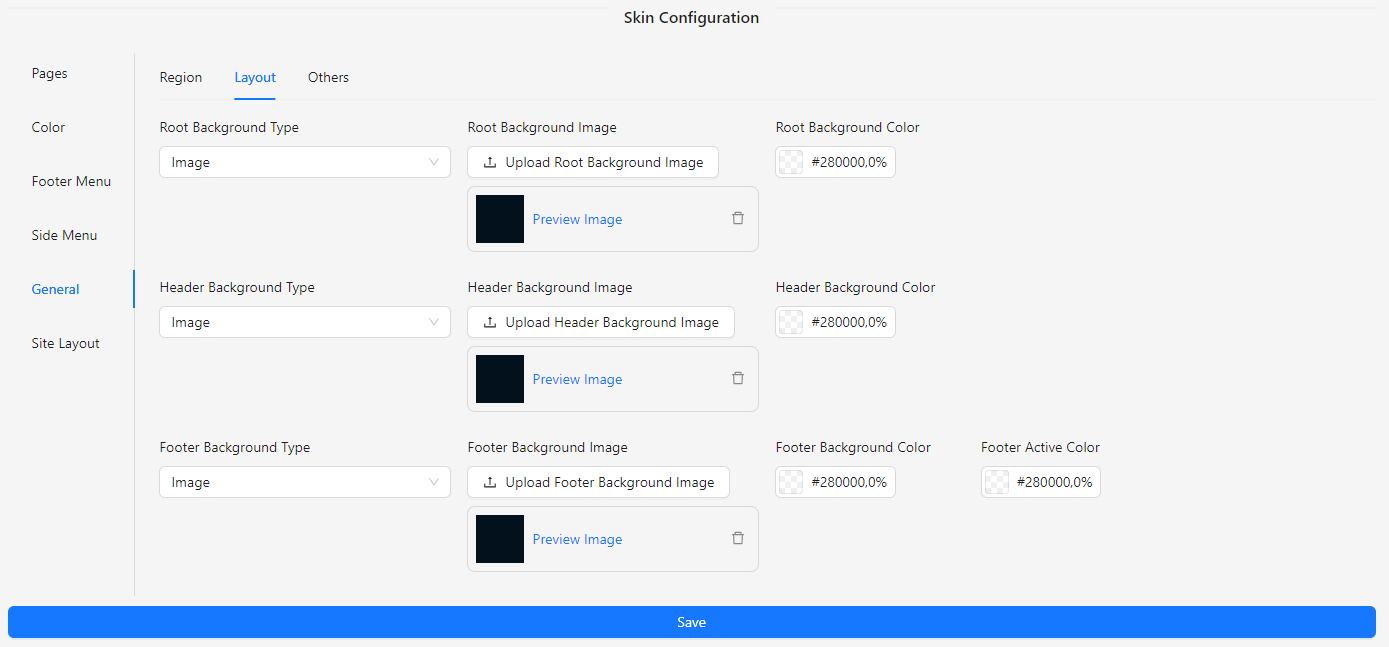
- Root Background Type: Choose between an image or a color for the root background.
- Root Background Image: Upload an image for the root background.
- Root Background Color: Select a color for the root background.
- Header Background Type: Choose between an image or a color for the header background.
- Header Background Image: Upload an image for the header background.
- Header Background Color: Select a color for the header background.
- Footer Background Type: Choose between an image or a color for the footer background.
- Footer Background Image: Upload an image for the footer background.
- Footer Background Color: Select a color for the footer background.
- Footer Active Color: Choose a color for the active state in the footer.
Others
The Others section allows you to configure various miscellaneous settings related to your site's appearance and functionality.
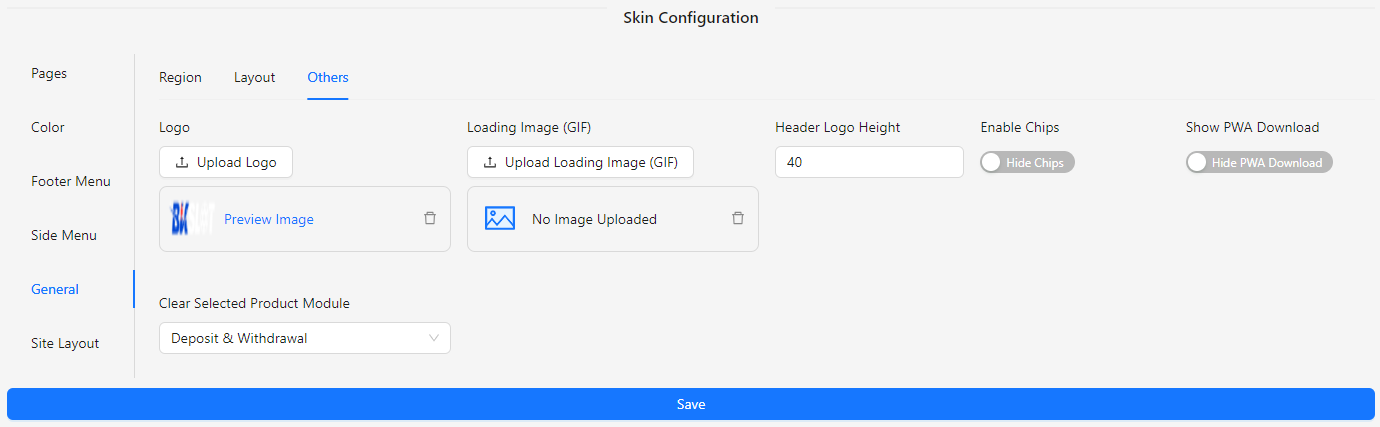
- Logo: Upload the logo image for your site.
- Loading Image (GIF): Upload a GIF to display while the site is loading.
- No Image Uploaded: Specify a default image to show when no image is uploaded.
- Header Logo Height: Set the height for the header logo.
- Enable Chips: Enable or disable the chips feature.
- Show PWA Download: Toggle to show or hide the PWA download option.
- Clear Selected Product Module: Select the module to clear between deposit, withdrawal, or both deposit & withdrawal.